 |
Ortery UK, Ireland and Russian Federation Exclusive Partner: 020 8987 2744 |
|
Ortery UK, Ireland and Russian Federation Exclusive Partner: 020 8987 2744 |
|
|
|
|
|
|
|
 |
|
 |
|
 |
|
 |
|
 |
|
 |
|
 |
|
 |
|
Create Product Shots for Websites, Product Catalogs, Publications, Reports, Presentations, Archival and More...
Effective Business Communication
Sales, marketing, engineering, quality control, manufacturing, art design and procurement are just some of the departments that can benefit from this solution
Medical, Research and Evidence Photography
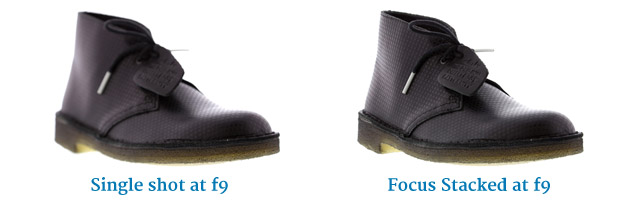
Creates detailed and professional images for the analysis of scientific, medical or forensic research. Focus stacking can reveal high levels of detail where needed
Quality Control
Controlled lighting generates consistent results time after time
Image Database Creation
The
WhiteLight is ideal for quickly capturing and storing hundreds of images per day
Quick eMail and Application Link
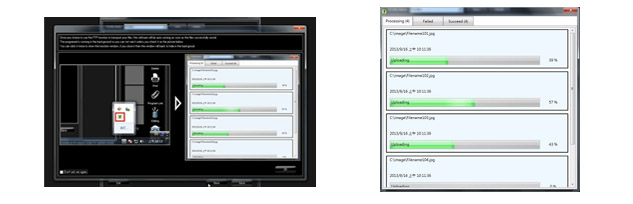
Images taken with the WhiteLight software and a compatible camera can be quickly shared with others via email, dropped into any other image editing application or saved to a designated folder
Remote Proofing
Images taken with the WhiteLight can be sent via email direct from the software
No experience necessary - almost anyone can use the WhiteLight to create professional-quality images
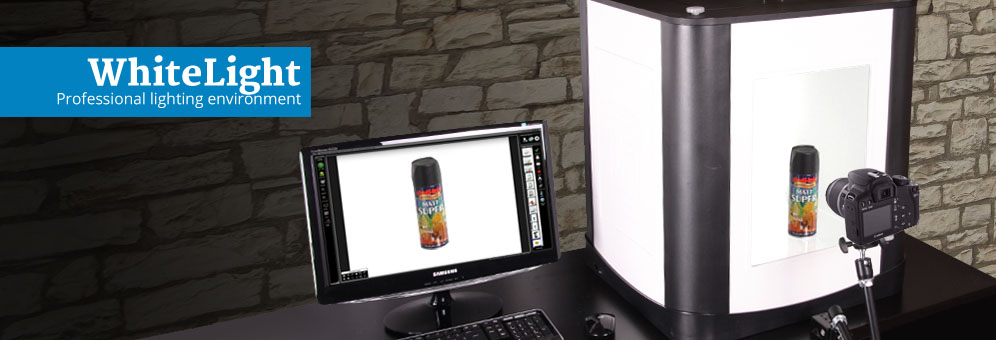
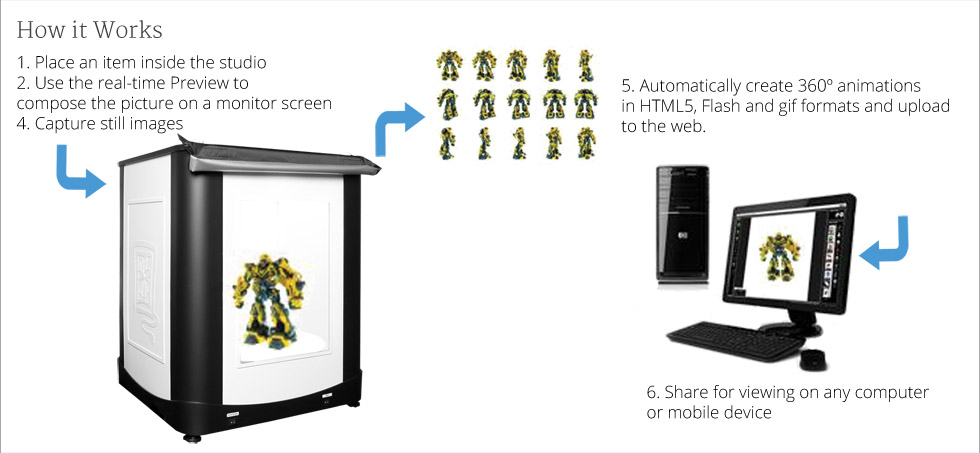
The WhiteLight can be used with a compatible digital camera as a PC-controlled photography studio or with any camera as a photography light box
As a PC-controlled photography studio:
What is a PhotoStudio, and how does it benefit your product photography?
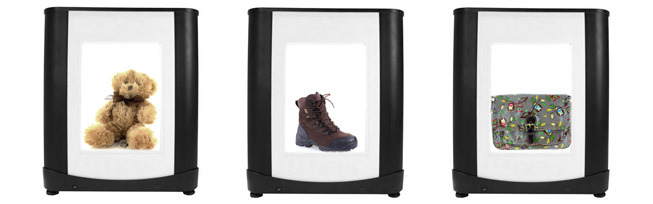
The idea behind light box photography is that it is a self-contained unit with zones of lighting built in, that is compact enough to be positioned in the workplace in the optimal position for a fast and logical workflow. Some of our models feature turntables to automate 360 degrees photography and can even be upscaled for genuine 3D photography. Sometimes referred to as a 'photography light box' or 'photo light box' our highly specified PhotoStudios offer control of the lighting and the camera, can produce automatic cutouts and then edit and save the images with a spectrum of options all from within the advanced software that comes with it. The settings can all be saved for reproducability, so that multiple users can take consistent and uniform images.
Excellent craftsmanship and one-year warranty and free technical support
Minimum System Requirements
OS: Windows 7 / 8 / 10 (latest Service Packs) (Administrator account to install)
CPU: Intel Core™ i3 or better
RAM: 4GB
Internet connection with active email account (optional)
Min 2 USB Ports, CD/DVD ROM drive
Specifications
Dimensions (L x W x H): 61 x 61 x 71 cm / 24" x 24" x 28"
Weight: 23 Kg / 51 lbs
Maximum Target Size inside: Top shot: 38 x 58 cm / 16" x 23" Side shot: 50 x 50 x 60 cm / 20" x 20" x 24"
Power requirements: 240v
Components
Light Box.
Utilizes daylight lamps with an illuminated back panel and diffusion plates to produce a uniform lighting environment.
WhiteLight Image Creation Software.
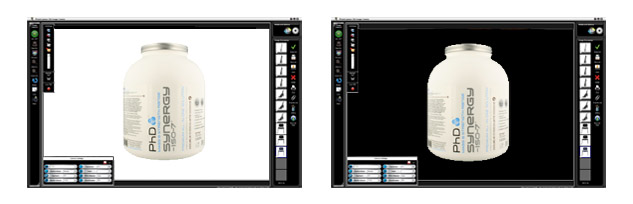
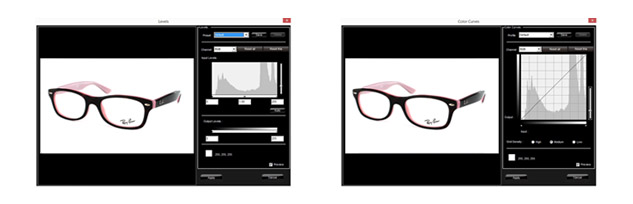
When the WhiteLight is used with a compatible camera; this software manages digital camera settings, file management and image editing. Also includes: batch saving, image annotation and batch or individual image resizing features.
Accessories.
Daylight balanced flourescent lamps, Side shot background, Product stand, Free technical support and a one-year warranty with software upgrades.
